E2EE Anonymous Chat App
Private encrypted chats and device-to-device calls.
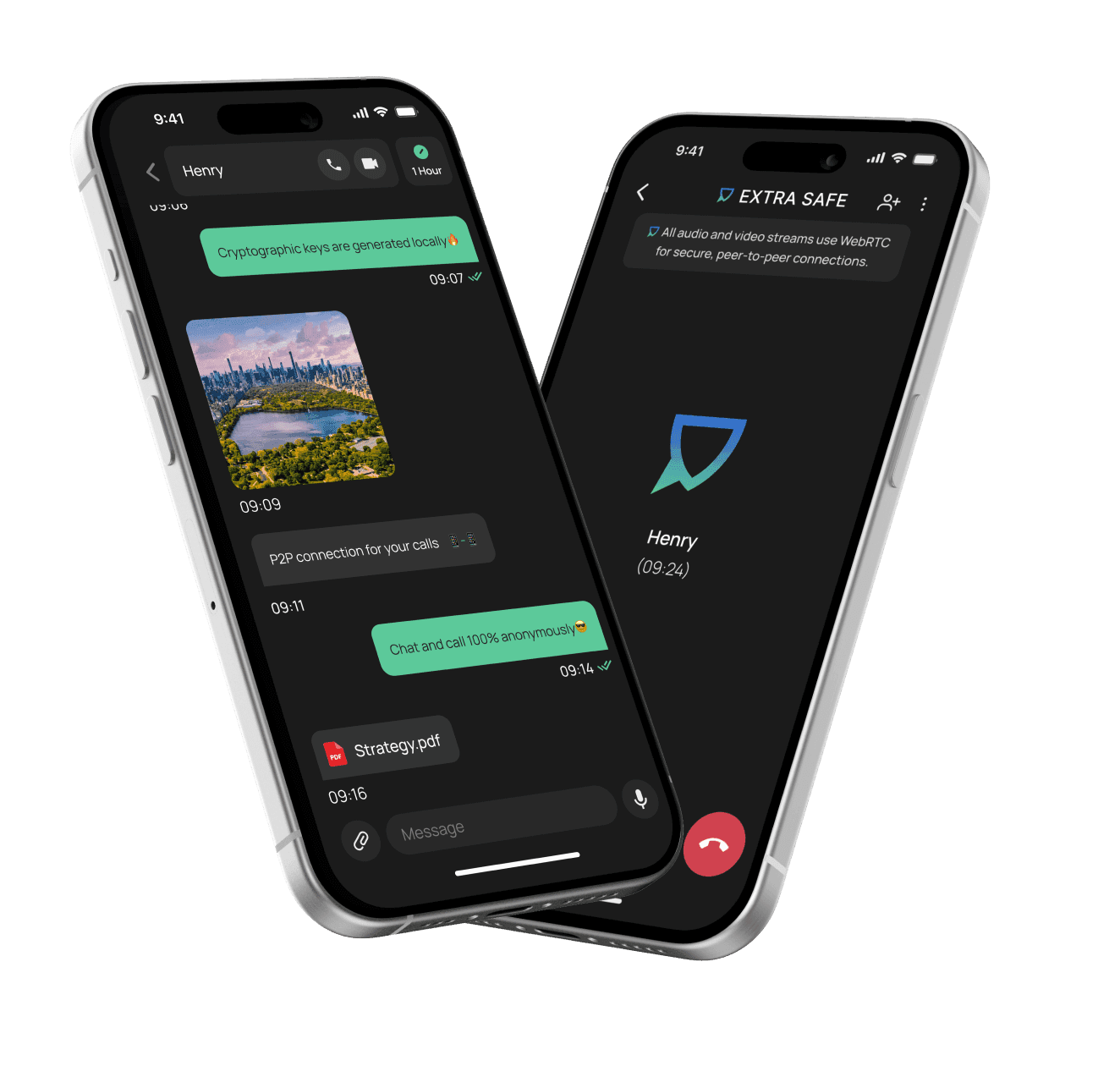
Secure Video Meetings
Private video meeting in your browser without sign-up or login.

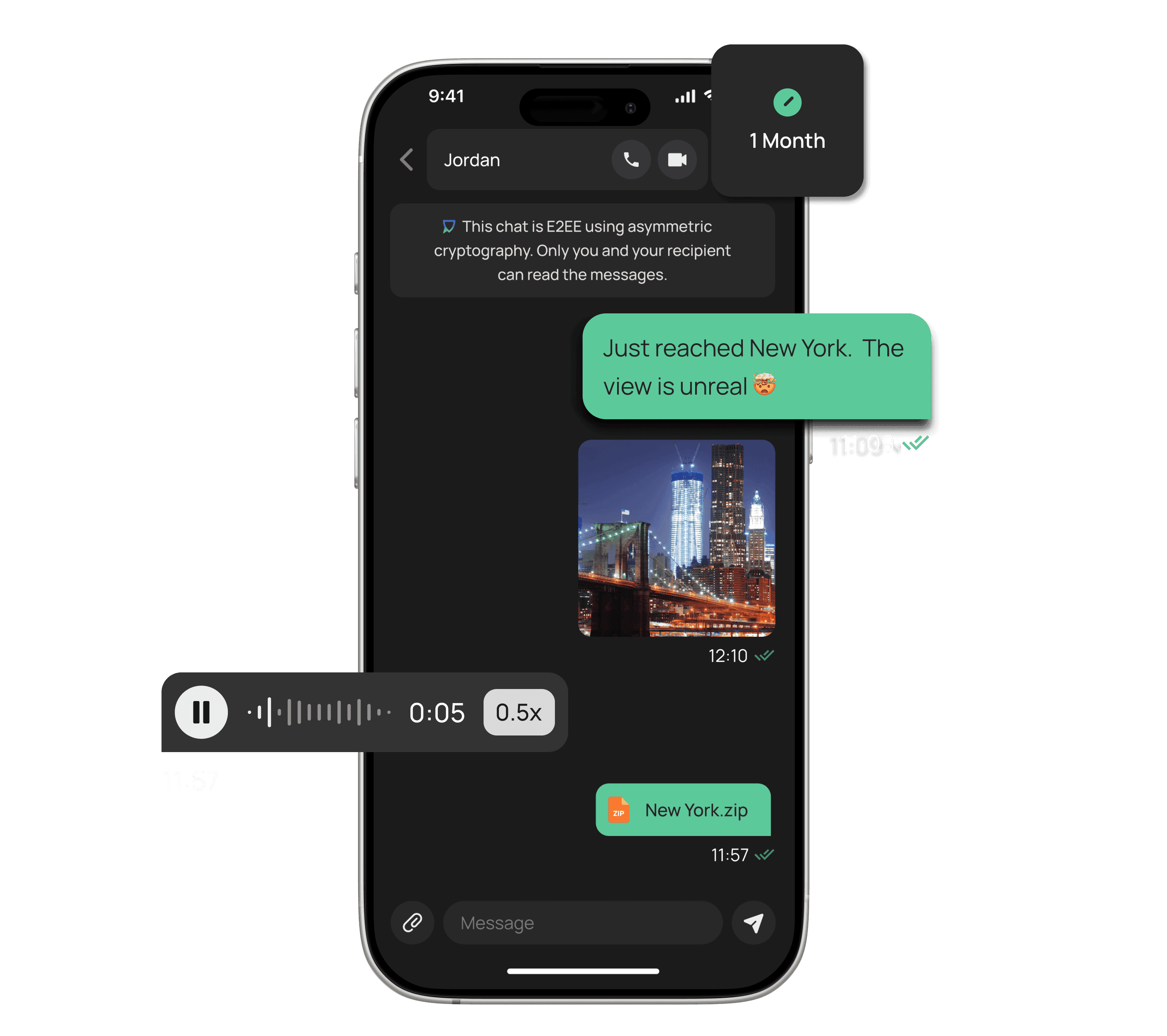
Send messages and files freely – chat history clears by default
Encrypted Messaging
Encrypted Messaging
Send messages and files freely – chat history clears by default
– Send E2EE messages, images, and files of any type in a chat.
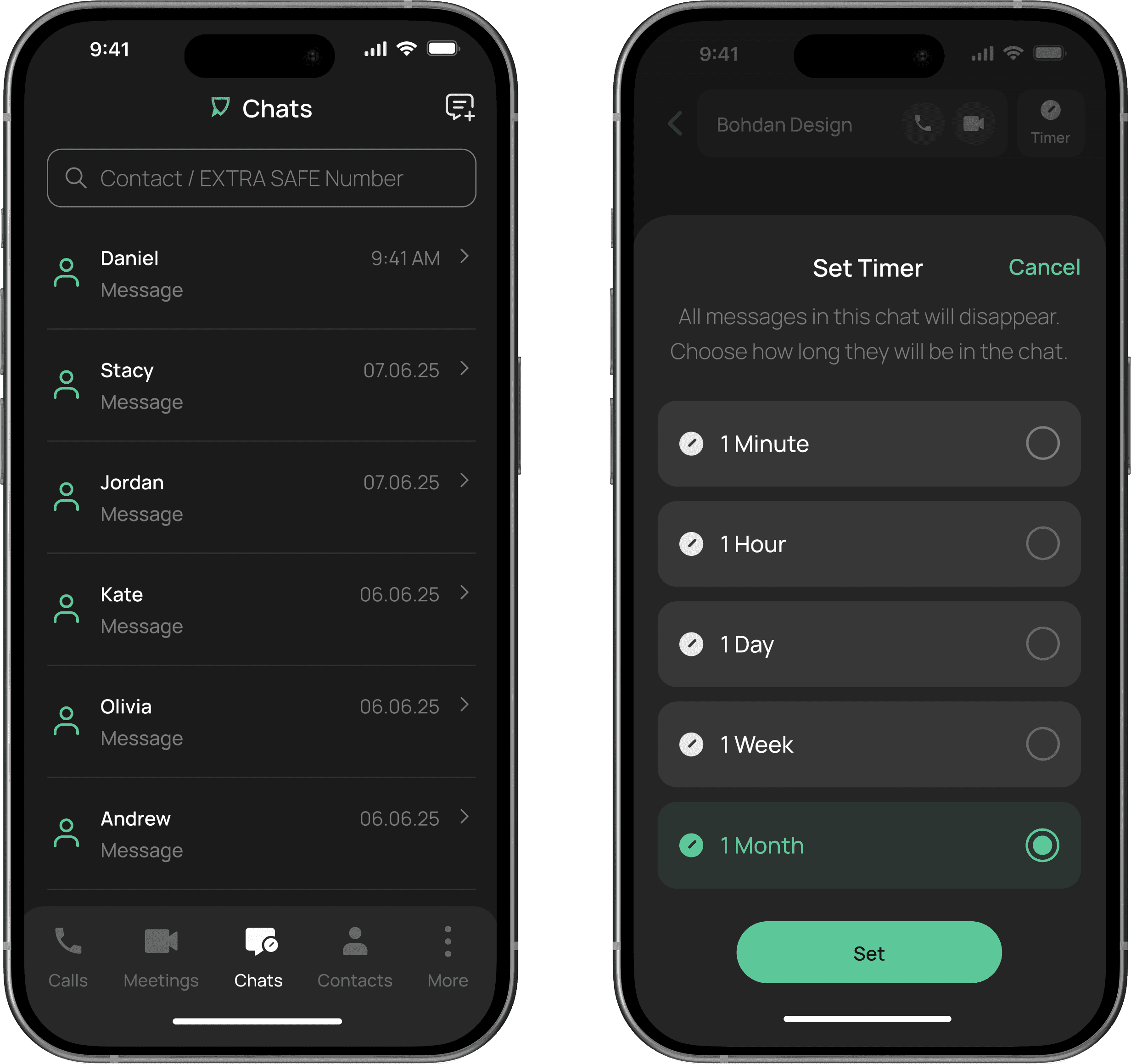
– Set a custom timer, and they will disappear on your schedule.
– Reach people by a unique EXTRA SAFE number.
– Not on-chain.
– Ad-free.

Secure Calls
On-the-Go
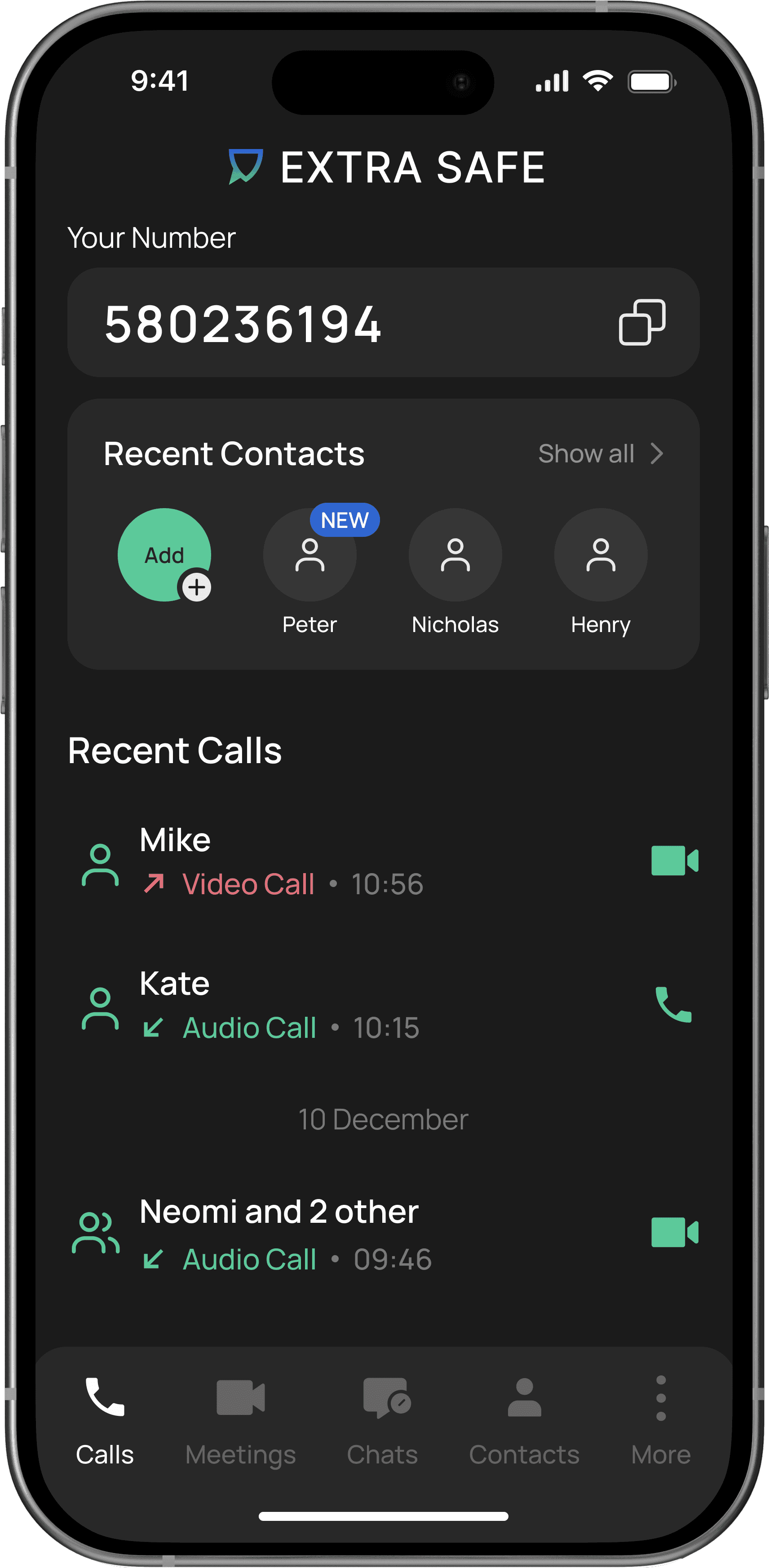
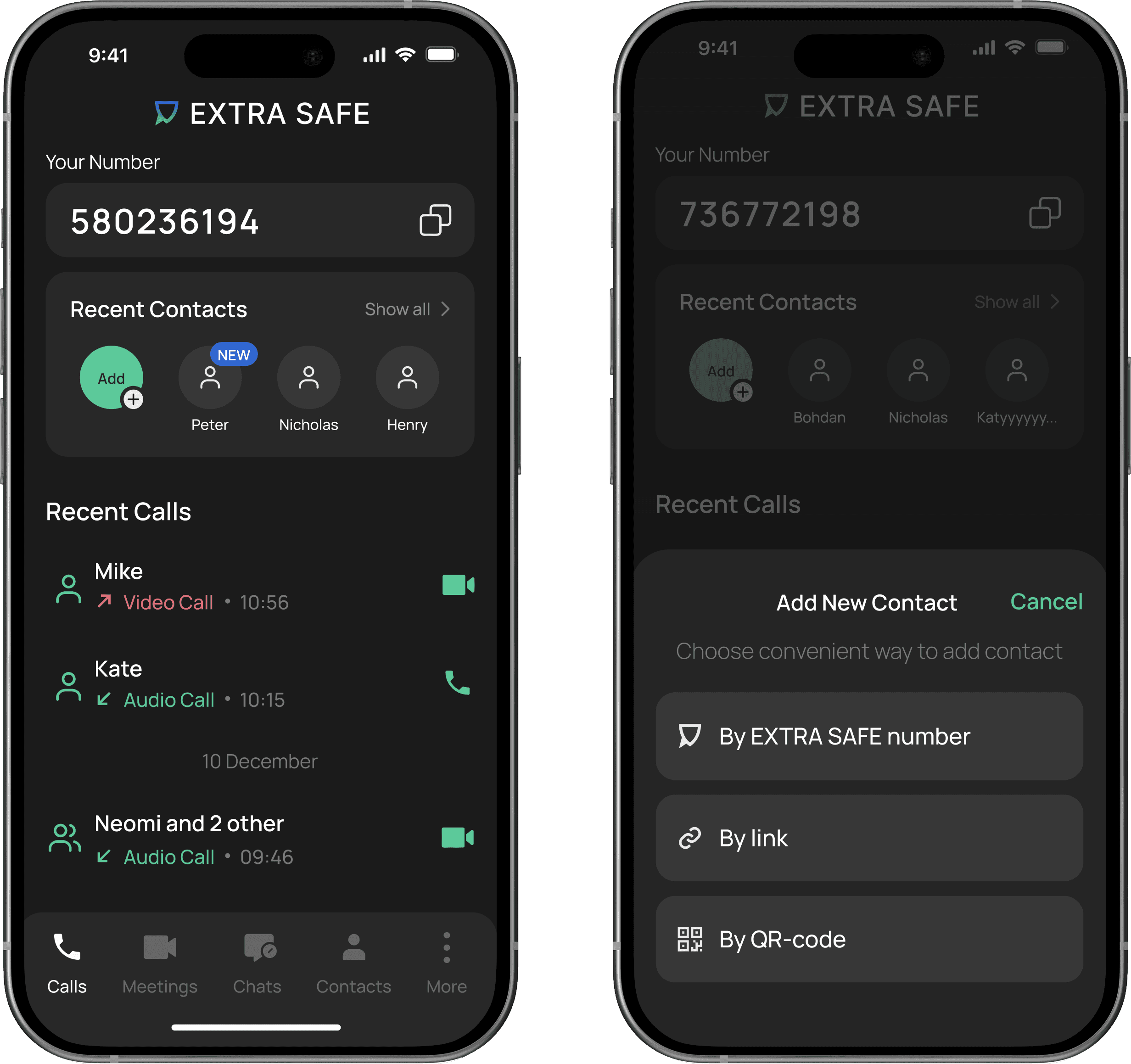
One-tap calling with your EXTRA SAFE number
Secure Calls On-the-Go
One-tap calling with your EXTRA SAFE number
Make private voice calls anywhere you are: at work, on the road, or overseas. Your EXTRA SAFE number acts like a phone line inside the app, but it’s created directly on your device and never linked to your SIM or personal identity.
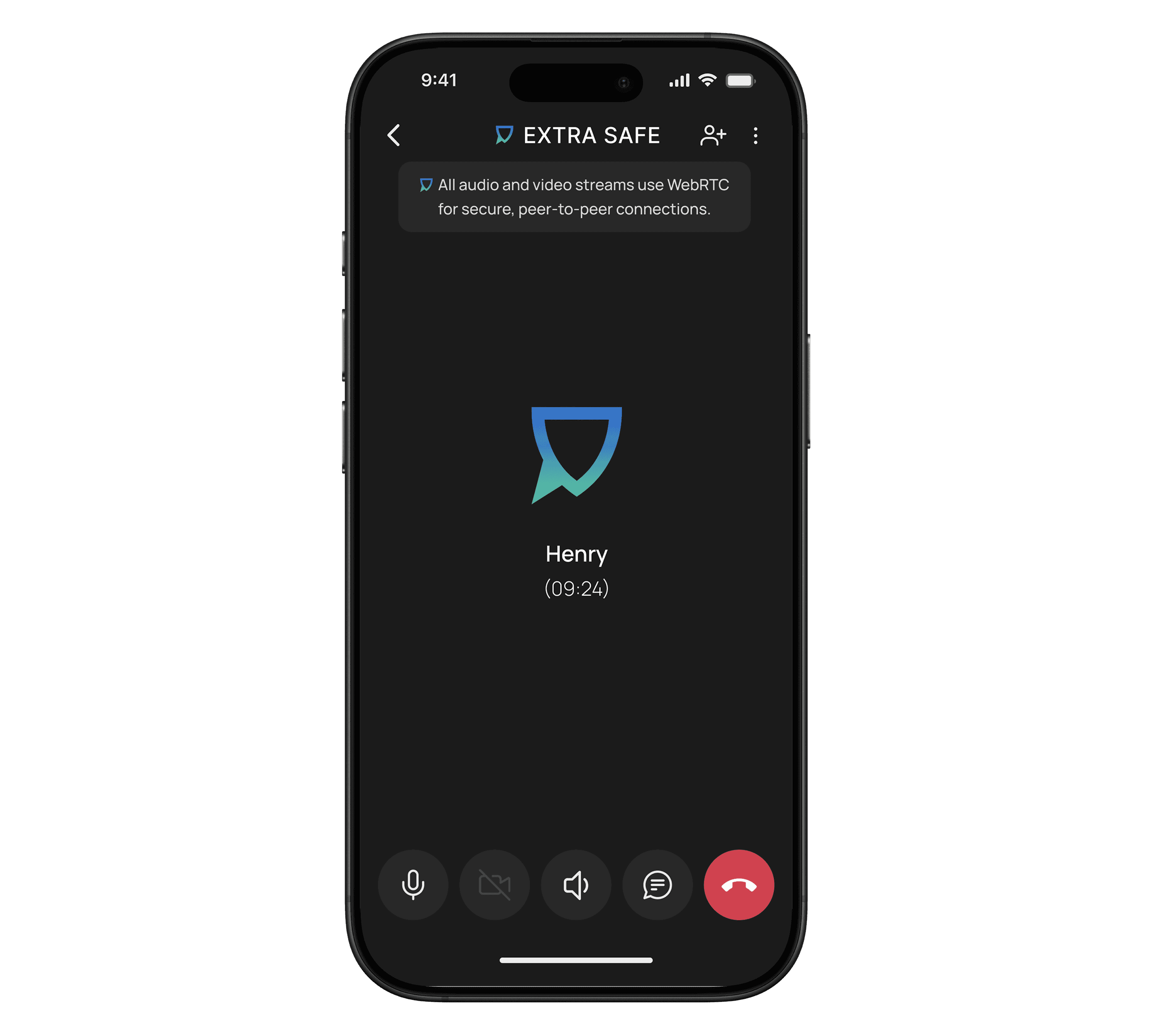
Every call connects peer-to-peer and is protected with cryptographic keys that are generated locally on your phone or tablet.

Keys stay local. Generated on your device, never shared
Protected With Ethereum Keys
Protected With Ethereum Keys
Keys stay local. Generated on your device, never shared
Your device creates a cryptographic key pair, a public and private key.
The private key stays local on your device and never leaves it, ensuring your communications via messaging or calls remain truly private.


P2P Video Meetings
Secure communication in app or right in your browser
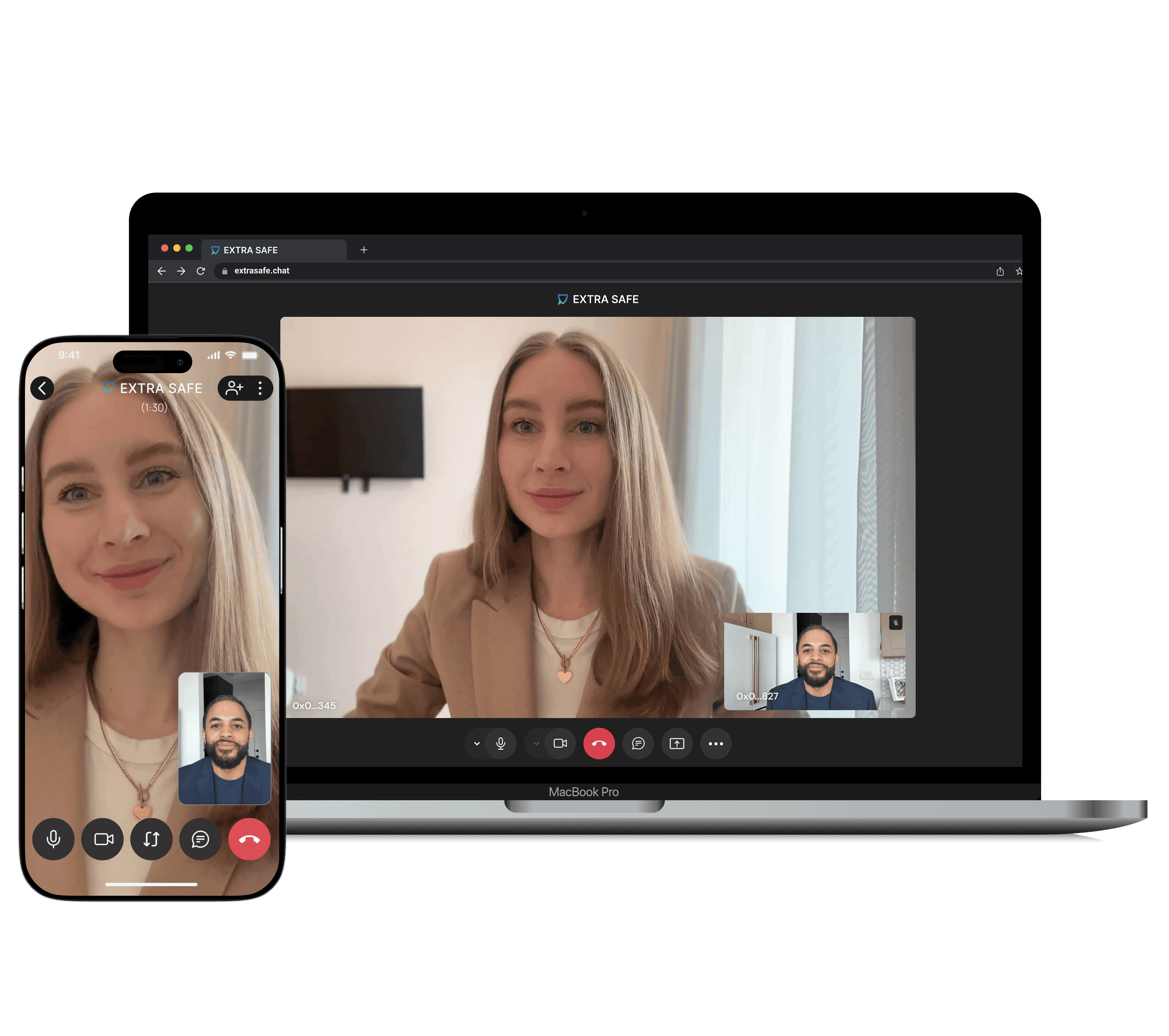
Start a video call with up to 5 people, with no time limit. Anyone can join via the invite link, even if they don’t have the app installed. The P2P connection ensures that voice and video stream directly between your devices; the in-call chat is also P2P and encrypted.
You can also set up a meeting in the EXTRA SAFE browser lite version to use the screen sharing feature.

Uncompromised anonymity
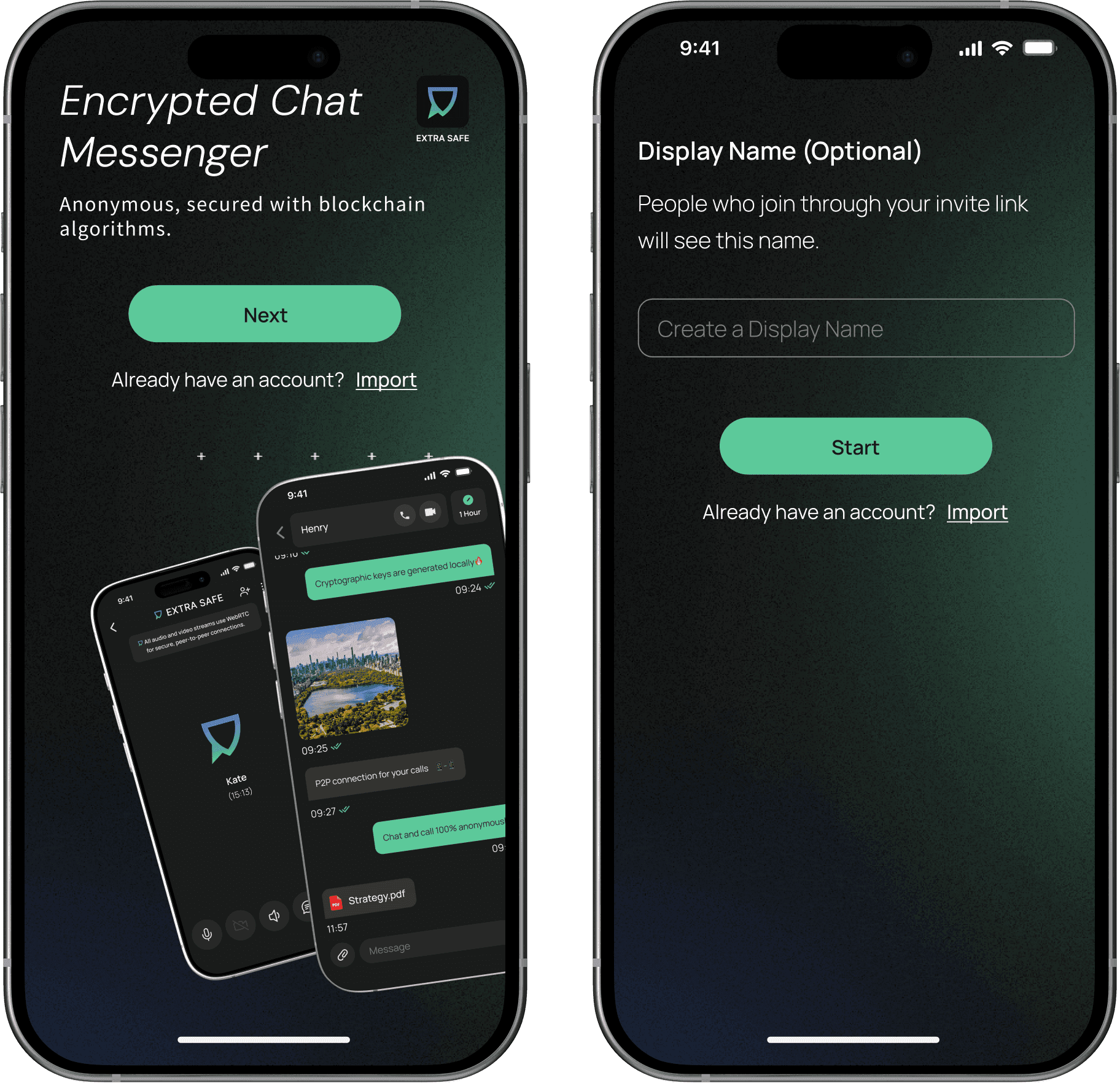
An easy two-step setup
Pick a nickname and get your unique 9-digit number for instant, anonymous communication. EXTRA SAFE doesn’t ask for your phone number, email, or any personal data – there’s no signup at all.
FAQs
EXTRA SAFE is built on core GDPR principles. You get:
– An identity-free setup: choose a display name and instantly get a unique EXTRA SAFE number.
– Direct device-to-device communication (P2P).
– E2EE messages, files, and images secured with cryptographic keys generated locally on your devices. Just like key pairs work in networks like Ethereum.
– No collection of user identities, metadata, or message history: storage is encrypted and temporary by default, following your timer.Use the browser version whenever you need a secure video call, 1:1 or up to 5 people. Just hit Start a meeting and share the link with others. P2P connection keeps your conversation private. You can share your screen and exchange encrypted messages during the call. Once the meeting ends, all messages disappear.
Use the app for encrypted private communication with advanced features. Start easily and anonymously: you will get a unique number that isn’t tied to your SIM card or personal data. Communicate privately with other users or share a link so anyone can join a secure call with you. Start a secret chat with disappearing messages. All communication is direct, device-to-device, and your encryption keys stay safely on your device.
Download the mobile app on iOS or Android to start with your own EXTRA SAFE number for private calls and chats. Prefer desktop? Open your browser, share a meeting link, and start talking instantly.
It’s your 9-digit in-app identity, created locally on your device. It works like a phone number inside the app but isn’t linked to your SIM, email, or name. Share it so people can call or message you securely.
Voice and video streams during the call, as well as messaging, go directly between devices (peer-to-peer). Messages sent during the call are end-to-end encrypted and automatically disappear once the call ends. Your privacy stays intact, as you use the unique 9-digit EXTRA SAFE number, and each session is protected by encryption keys, like those used in blockchain technology. They are generated locally on your device and never leave it.
Inside the app, in the Account section, you’ll find the Backup phrase tab. It contains a 12-word combination that lets you restore your account, similar to a crypto wallet recovery phrase. Save your backup phrase in case you ever need to recover your account securely.